🌐
Install

Get the app on every device

Android, iPhone, iPad, Windows, macOS and Linux. Free, straight from this website — no app store, no payment, no waiting for approval.

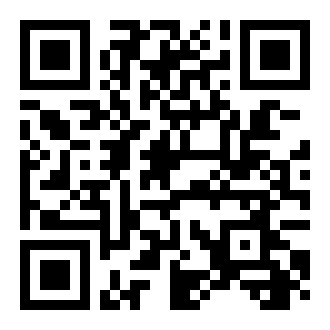
Scan with your phone

Open the camera on your phone and point it at this code. The app page opens straight away.

QR code for https://security.awmza.com/install/ Download the QR image

Share the link

Send this link to anyone — phone, laptop or desktop, it works on all of them.

Send on WhatsApp Send by email

Install on this device now

Checking what this device supports…

If no button appears, use the steps for your device below — it takes about 10 seconds.

Step by step

10 seconds on any device

🤖

Android phone & tablet

  1. Open this page in Chrome.
  2. Tap the ⋮ menu at the top right.
  3. Choose “Install app” or “Add to Home screen”.
  4. The AWMZA icon appears with your other apps.
🍎

iPhone & iPad

  1. Open this page in Safari.
  2. Tap the Share button (the square with the arrow).
  3. Scroll down and tap “Add to Home Screen”.
  4. Tap “Add”. The app is on your home screen.
🪟

Windows laptop & PC

  1. Open this page in Edge or Chrome.
  2. Click the install icon on the right of the address bar.
  3. Click “Install”.
  4. It opens in its own window and sits in the Start menu.
🍏

Mac & iMac

  1. Open this page in Safari (macOS Sonoma or newer) or Chrome.
  2. Safari: File ▸ “Add to Dock”. Chrome: the install icon in the address bar.
  3. Confirm.
  4. The app is in the Dock and in Launchpad.
🐧

Linux desktop

  1. Open this page in Chrome or Chromium.
  2. Click the install icon in the address bar, or ⋮ ▸ “Install”.
  3. Confirm.
  4. The app appears in your applications menu.
🔌

REST API

Prefer to build it into your own tools? The API is versioned, rate-limited and logged.

Read the API docs

The app is the same platform you see in the browser, kept up to date automatically. It needs no app store account and costs nothing to install.